Not all replacement screens are created equal. Here is how to spot a fake iPhone screen and what questions to ask your repair shop before any work starts.
When you get your iPhone screen replaced, the screen going in matters just as much as the repair itself. A low quality fake screen can look fine on day one but fade, yellow or lose touch sensitivity within weeks. The problem is that most people have no idea what was installed until something goes wrong. This guide explains how to tell the difference between a genuine screen and a cheap knockoff, what the different quality levels actually mean, and what to ask any repair shop before handing over your phone.
Apple built a parts verification system into every iPhone running iOS 15.2 and newer. It checks whether the screen installed is a genuine Apple part. You can see the result yourself by going to Settings then General then About and scrolling down to find Parts and Service History. It will tell you one of three things. Genuine Apple Part means the screen is original. Unknown Part means an aftermarket screen was installed. Used Genuine Part means an original Apple screen was transplanted from another iPhone. Apple explains their parts policy in detail on their support page.
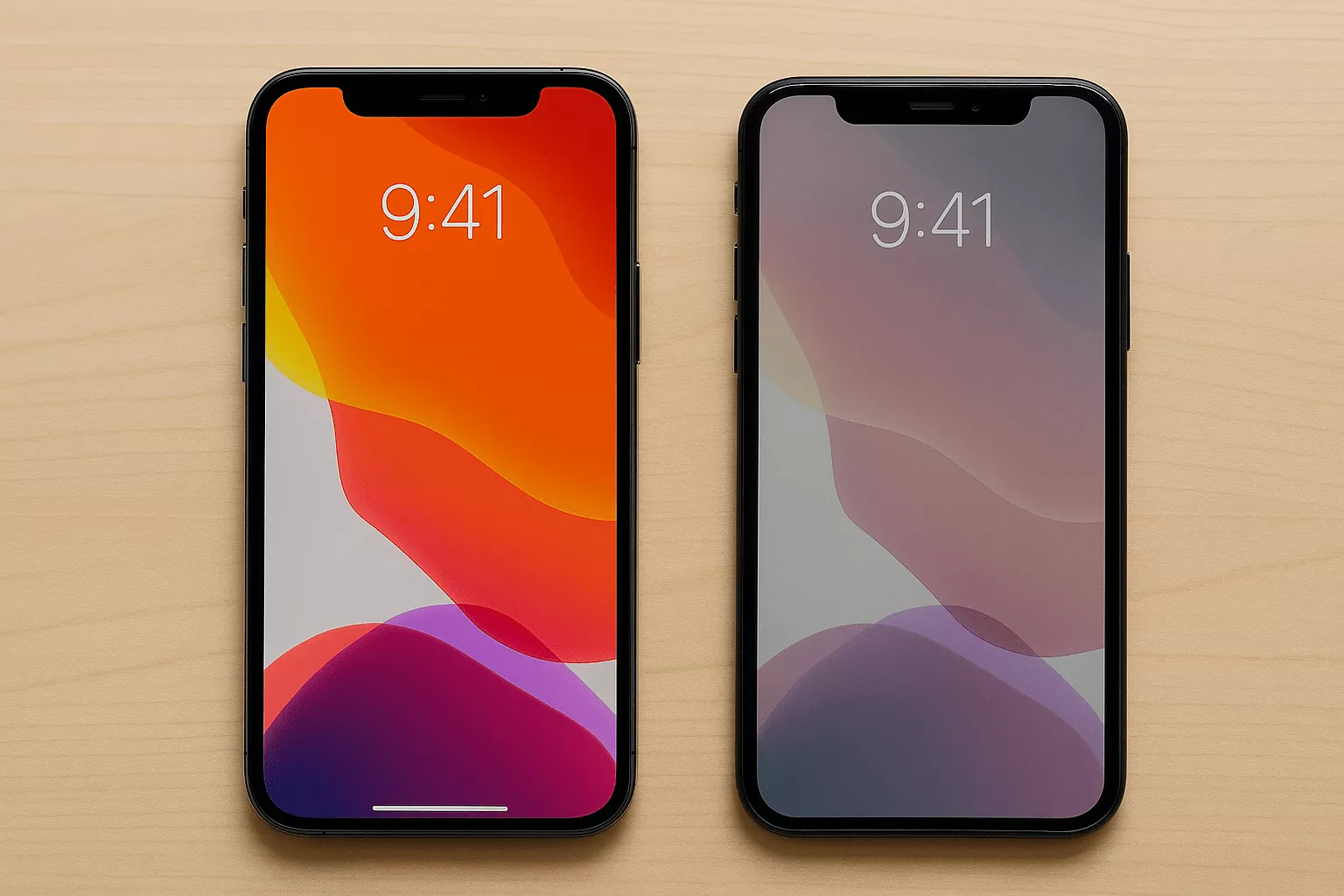
The easiest way to spot a low quality screen is brightness. Genuine iPhone screens are calibrated to Apple's specs. Whites look clean, colors are accurate and the display stays consistent at all brightness levels. A cheap fake screen often looks slightly yellow or washed out. Turn the brightness all the way up and look at a white background. If it looks dim, warm or uneven there is a good chance it is a low quality aftermarket screen.
Touch sensitivity is the other big giveaway. A genuine screen responds instantly at every point across the display. A fake screen often has dead zones near the edges, a slight delay between touch and response, or requires more pressure than it should. Try tapping quickly in the corners of the screen. Any hesitation or missed taps is a red flag.
Look at the gap between the screen and the phone frame. On a genuine repair the screen sits flush with no visible gap. A poorly fitting aftermarket screen sometimes leaves a small gap along one edge or lifts slightly at a corner. Run your fingernail gently along the edge of the screen where it meets the frame. It should feel completely smooth.
Not every aftermarket screen is a fake. Here is what the different quality levels actually mean and what you can expect from each.
Before any repair shop touches your iPhone ask them two questions. First, what brand or grade of screen are you using? A good shop will answer this directly. If they are vague or just say quality parts without specifics that is a warning sign. Second, does the repair come with a warranty? A shop confident in their parts will back the repair for at least 30 days. At iMobile in Detroit we tell every customer exactly what screen type we are installing before any work starts. We use quality Incell and OEM screens and back every repair with a 30 day warranty. You can check exact pricing for your iPhone model using the repair calculator.
Walk in at 20503 Dequindre St, Detroit. We tell you exactly what screen we are installing before any work starts.
Or call (313) 900-1032